Main navigation
- Learning Solutions
- Service & Support
- About Us
- Sign In

Copyright: 2027
Author: Audrey Roggenkamp
Contributions by: Nita Rutkosky & Ian Rutkosky
The Benchmark Series is designed for students who want to learn how to use Microsoft’s popular suite to enhance their productivity at school, work, and home. Throughout this courseware, students are expected to develop and execute strategies for solving information processing and management problems using Microsoft’s premier applications.
Unit 1: Creating and Formatting Presentations
Chapter 1: Preparing a PowerPoint Presentation
Chapter 2: Modifying a Presentation and Using Help and Microsoft Search Box
Chapter 3: Formatting Slides
Chapter 4: Inserting Elements in Slides
Unit 2: Customizing and Enhancing Presentations
Chapter 5: Creating Tables, SmartArt Graphics, Charts, and Photo Albums
Chapter 6: Using Slide Masters and Action Buttons
Chapter 7: Applying Custom Animation and Setting up Shows
Chapter 8: Integrating, Sharing, and Protecting Presentations
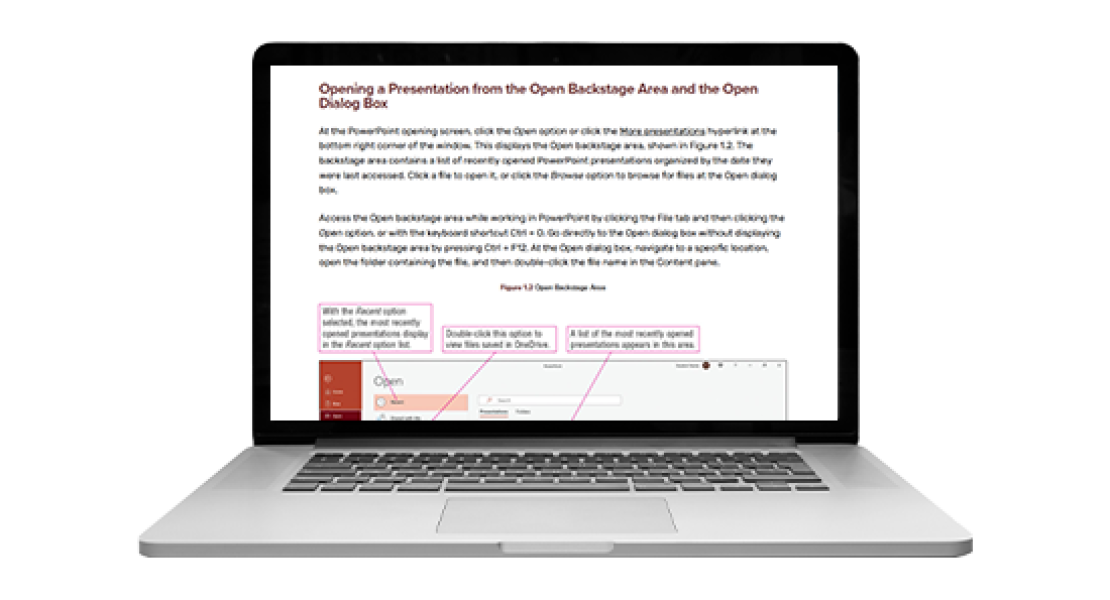

Powered by Cirrus 2.0, the Benchmark Series:
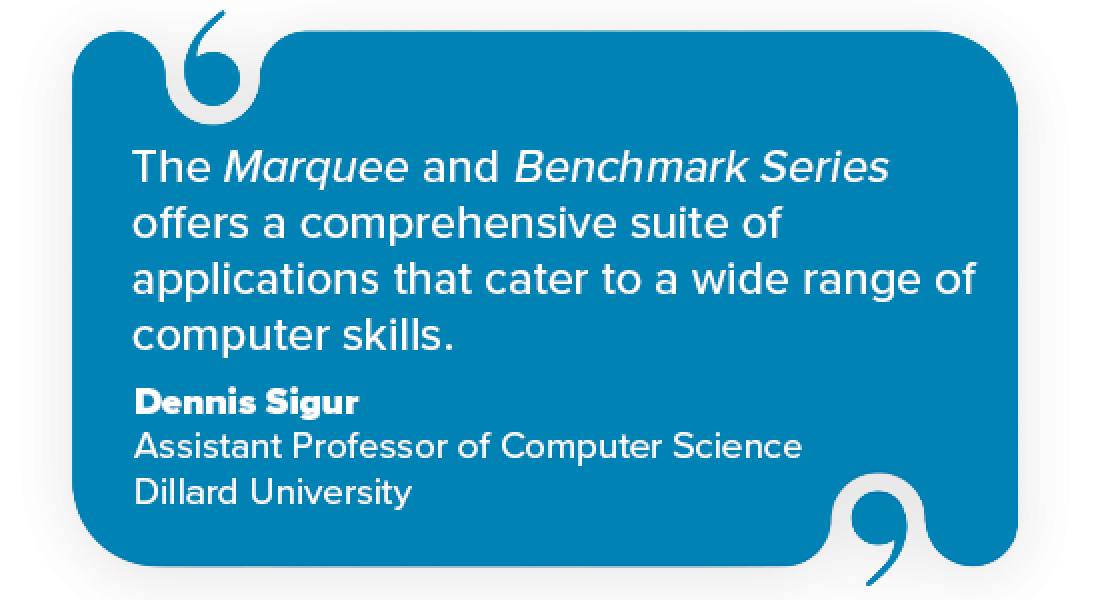
"The Marquee and Benchmark Series offers a comprehensive suite of applications that cater to a wide range of computer skills. Students gain proficiency in essential areas like database management, word processing, spreadsheets, and presentation software. The software's intuitive interface makes it easy for students to grasp complex concepts quickly, allowing them to focus on mastering the material rather than struggling with cumbersome software. We value the content, the service we’re provided by our account representatives, and technical support being there to support our students when required."
Dennis Sigur, Assistant Professor of Computer Science
Dillard University